An opening with presence
Use a video background and moving type to set the tone of your first screen.
Shape your website with moving type, video backgrounds and a visual canvas. Preview every change before you publish.
✦Business scans and personalised website reveals use no credits. Nothing goes public until the owner taps Publish.
The short answer
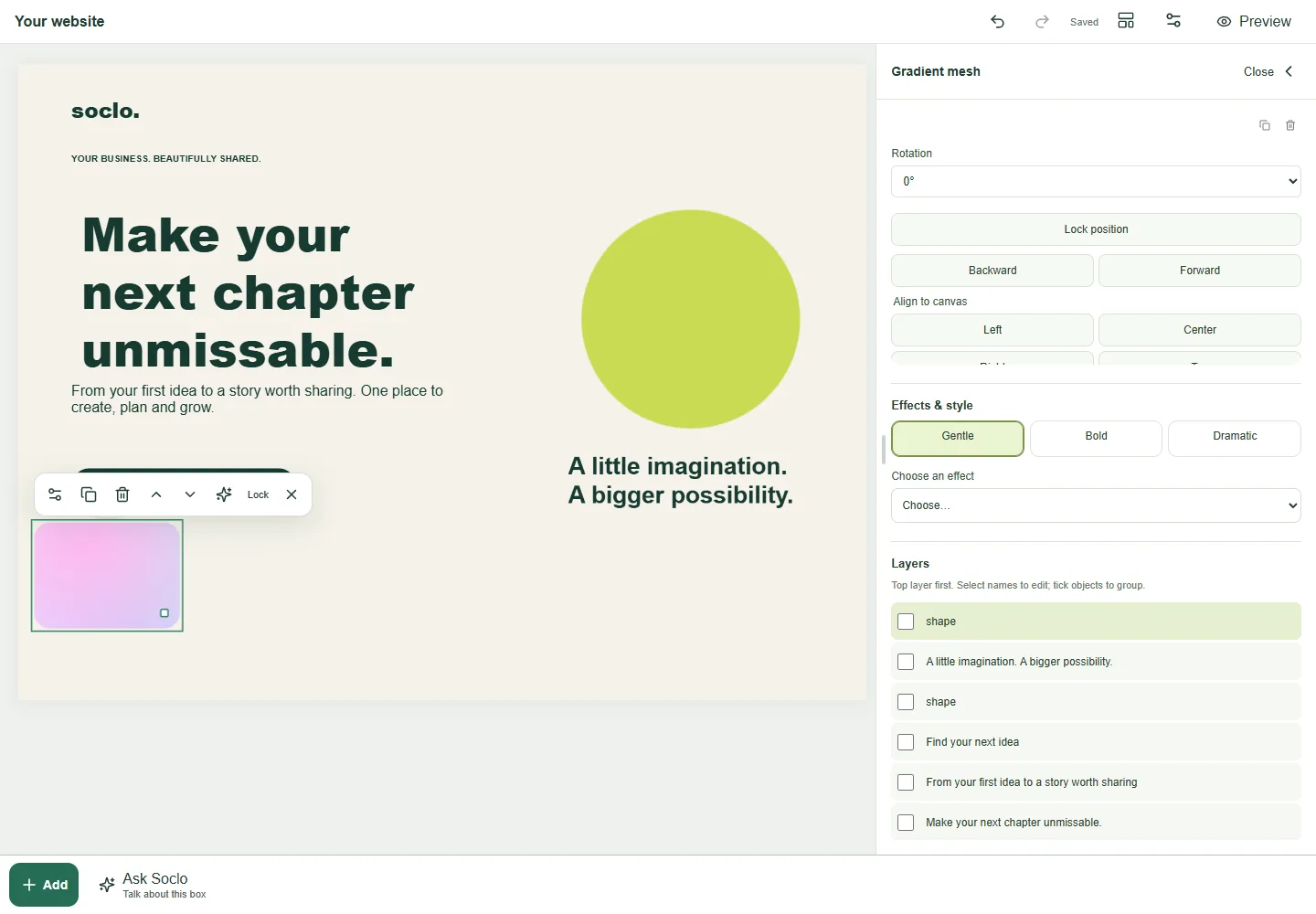
Soclo Pages is the website builder inside Soclo. Its visual editor lets you arrange text, pictures and sections on a canvas, add video backgrounds and motion effects, and preview your design before publishing. Start from your business and Brand Kit, then refine the page around what you want visitors to do.
From a starting point to your own direction
Move the slider to compare two illustrative website treatments. This is a design example, not a customer result.
FORM / STUDIO
Objects with a point of view
Thoughtful pieces for everyday spaces.
Explore the collection ↗After · cinematic directionFORM / STUDIO
Thoughtful pieces for everyday spaces.
| Starting point | Cinematic treatment |
|---|---|
| A static opening section | Video backgrounds and moving type |
| A fixed content arrangement | Position, resize and layer objects on the canvas |
| The same layout throughout | Editorial sections, galleries and visual effects |
| One design pass | Preview, refine and undo before publishing |
Use a video background and moving type to set the tone of your first screen.
Position, resize and layer text and pictures, then undo and refine the details.
Combine editorial sections, galleries, motion and visual effects around your content.
Check your work at different screen sizes and choose when to publish it.
You do not need to learn a new operating system. Soclo asks for the information needed for the next useful step.
Use a soclo.site address, buy a custom domain at its real local-currency price plus 120 credits, or connect one you already own.
Soclo reads the information the owner provides and the sources they allow, then builds a private first version.
Use visual controls, speak to Soclo, add an existing booking route or live payment link, and preview desktop, tablet and phone.
The domain and public site change only after the owner approves the first launch.
Most website builders stop at the page. Soclo Pages is part of a wider business system. The same business information can guide the website, social campaign, booking flow and the next Autopilot suggestion, so the owner is not re-explaining the brand every time they open another tool.
Every customer website remains visually its own. The emerald Soclo interface surrounds the work; it does not force the customer site to look like Soclo. A salon can feel warm and editorial, a trades business can feel direct and dependable, and a restaurant can feel atmospheric—while the editing experience stays familiar.
The fixed launch price is 120 credits to activate and 120 credits for each month a site stays live. A custom domain adds its real price in local currency. The editor is open to everybody; renewal charging is not switched on, so this is the launch model rather than a claim that a monthly charge is running today.
No. It is one feature inside Soclo. A customer can use Pages on its own, connect it to a few other Soclo tools, or run the complete business growth loop.
On a phone you can approve changes, update words and photos, publish, and follow up on website enquiries. Complex layout work is designed for tablet or desktop.
No. The Soclo workspace has one consistent design, but the customer website is generated around that customer’s brand, content and goals.
Free to start · 3-day free trial on Starter and Pro monthly
Start with Soclo